
By LotusByte Studio · Published
Arrow Escape: find a clear path and the right move order
Learn why arrows become blocked, how to trace their escape paths and how removing one blocker opens another move.
A tap asks one simple question
In the official Arrow Escape rules, an arrow leaves when its path is clear. If another arrow blocks the way, it turns red and stays. Clearing the entire board completes the level. The puzzle is therefore about routes and order, not rapid tapping.
Start by tracing the arrow’s direction to the edge of the board. An arrow near an edge is not automatically free: its direction may point back across the board. Read the direction symbol rather than assuming the nearest edge is the exit.
Follow dependencies instead of retrying
Consider a hypothetical right-facing arrow A with another arrow B on its route. A cannot leave while B remains. If B has a clear path, remove B first, then return to A. If B is itself blocked, follow its route to find the next dependency.
This A/B example explains the verified blocking rule; it is not a solution to an invented level. On a real board, look for an arrow at the end of a dependency chain whose route is already open.
Use a blocked move as feedback
A red arrow identifies a route that needs another move first. Repeating the tap without changing the board gives you no new plan. Instead, identify the blocker and re-check the arrows that could remove it.
After a successful move, pause briefly to inspect the newly empty path. Several arrows may depend on the same blocker, so one escape can make more than one move possible.
Hints, restarts and a readable board
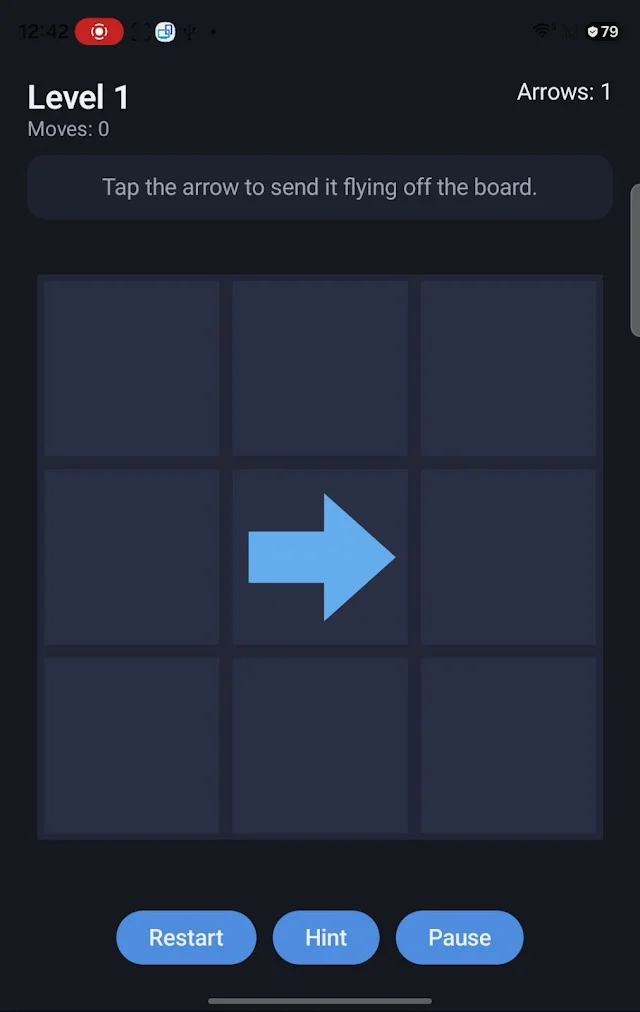
The official listing confirms hints, and store screenshots show Hint, Restart and Pause controls. If you use a hint, inspect what changed: which path was free, and which arrow became unblocked afterward? Hint costs and limits are not documented here.
The listing includes Light, Dark, System and High Contrast themes and personal-image backgrounds. If the board is hard to read, try High Contrast or a simpler background before assuming the puzzle rule is unclear.
If the behavior does not match the rule
Report the level number, app version and exact arrow direction. Include a screenshot showing the route you expected to be clear. State whether the arrow stayed, turned red or moved unexpectedly.
The current store description covers 30 handcrafted levels. The older catalog’s named modes are not documented by that listing; this guide deliberately covers only the confirmed level mechanic.
A look inside Arrow Escape
Try it in your next session
Before your next tap, trace a route and name its blocker. Remove an arrow with a clear path, then revisit the routes it opens. That small pause turns a crowded board into a sequence of understandable decisions.
Rules and features checked against the studio catalog and public Google Play description on October 15, 2026. Your installed build may differ.