
Game overview
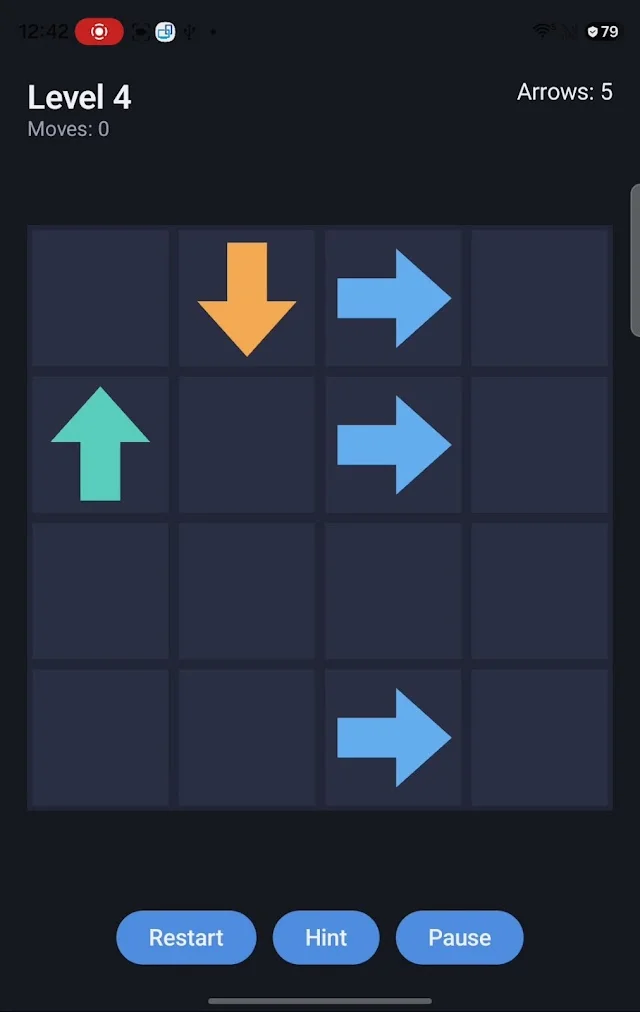
Arrow Escape turns a board of directional arrows into a sequencing puzzle. Tap an arrow: if its path is clear, it leaves the board. If another arrow blocks the way, it stays in place and turns red. The objective is to remove every arrow and complete the level.
The public listing describes 30 handcrafted levels. Early boards introduce the rule with few arrows; later boards ask you to trace how several paths interfere. The challenge comes from dependencies: removing one arrow can unlock another, so the order of otherwise simple taps matters.
How to play
- Read the direction of each arrow. Trace its path toward the edge of the board.
- Find an arrow with no other arrow in its escape path and tap it. It flies away if the route is clear.
- If an arrow turns red and stays put, another arrow is blocking it. Trace that path again instead of repeating the same tap.
- Clear a blocker, then revisit arrows whose routes passed through it. Work through the dependencies until every arrow has escaped.
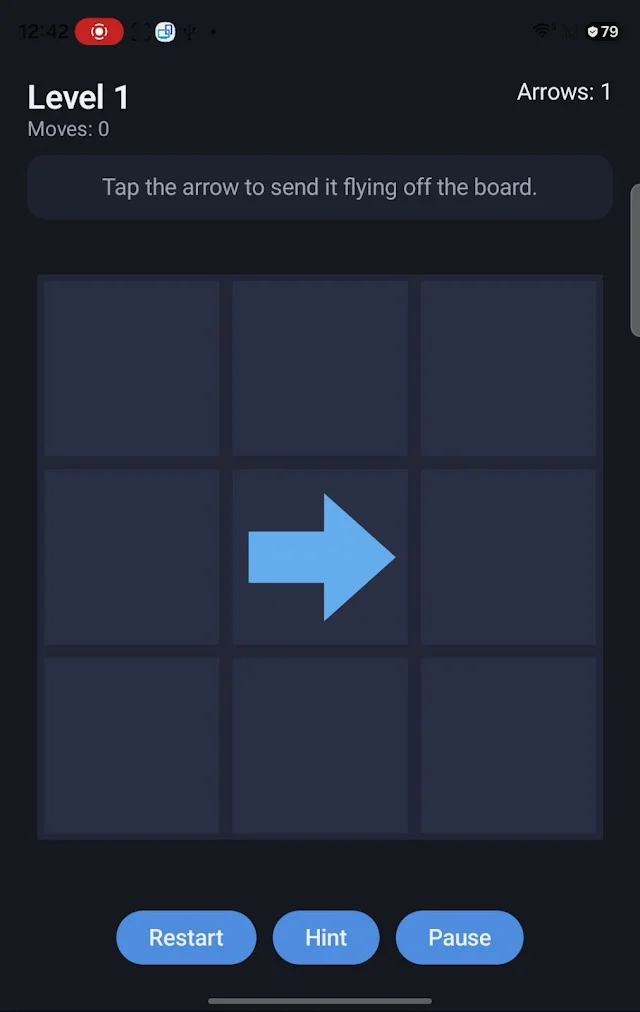
- Use a hint if you are stuck. The screenshots also show Restart and Pause controls; restarting offers a way to revisit the same board and compare a different sequence.
Blocking is information
A blocked arrow stays on the board and turns red. That response tells you the route is not open; it is a reason to examine the other arrows, not to tap faster. Follow the line from the arrow to the board edge and identify what must leave first.
Handcrafted levels and hints
The store listing documents 30 handcrafted puzzle levels and helpful hints. Use a hint to break a planning deadlock, then inspect why the suggested move works. The listing does not describe hint costs, limits or exact behavior, so those are not assumed here.
Themes and backgrounds
Light, Dark, System and High Contrast themes are listed, together with the option to use your own image as the board background. High Contrast is worth trying if arrows are difficult to distinguish. Choose a background that keeps direction symbols legible; a busy image can compete with the puzzle.
Offline sessions
Gameplay does not require an internet connection. The current public description documents tap-based puzzle levels; the older studio catalog also names Classic, Time Race, Survival and Zen, but detailed mode rules and their availability in the public build have not been confirmed. This guide covers the verified level mechanic only.
Inside the game
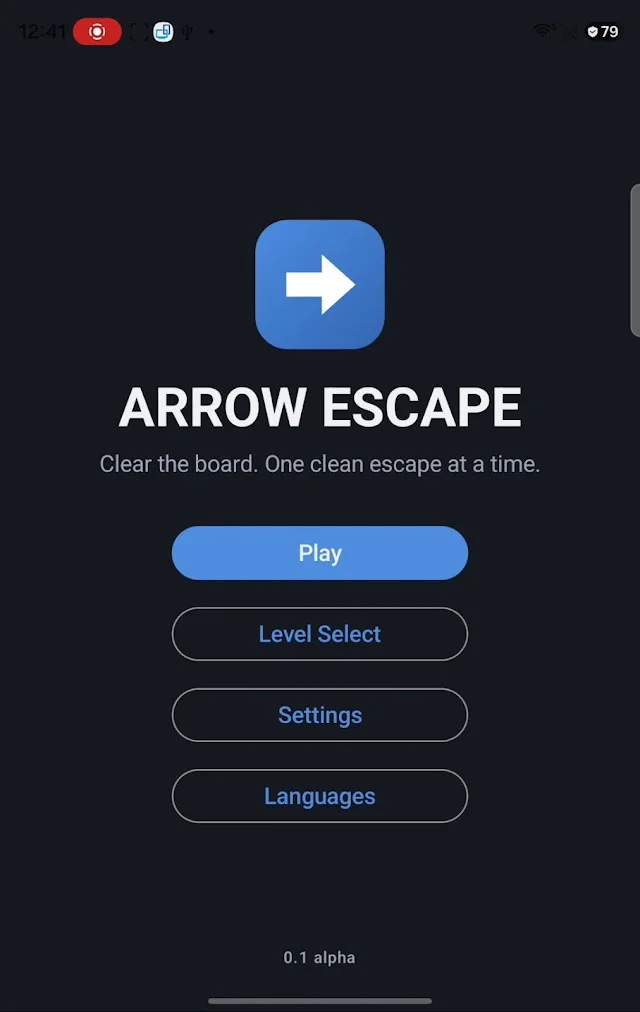
Screenshots from the official Google Play listing. The installed version may look different.
Compatibility and availability
Publicly available for Android through the existing Google Play listing. Offline gameplay and multiple language options are documented. Exact minimum Android version and language count are not supplied here; check Google Play and the in-game language selector.
The Google Play What’s new section for version 1.0.1 reports improved UI responsiveness, refined grid and arrow tiles, puzzle balancing, bug fixes and stability improvements. Use the listing for subsequent release notes.
Player questions
- Why does an arrow turn red?
- Another arrow is blocking its escape path. It remains on the board until the path is clear. Identify and remove the blocker before trying again.
- What completes a level?
- Clearing every arrow completes the level. Removing a few arrows may open more paths, but the board is not finished until all arrows are gone.
- Can I play without internet?
- Yes. The official listing states that gameplay is offline. You still need a connection to install the app or download updates.
- What if I cannot see an arrow clearly?
- Try the listed High Contrast theme or a simpler board background. If a direction remains unclear, send the studio a screenshot with the level number, device and app version.
Updates and support
For current release notes, check What’s new on the official Google Play listing. For a problem with a specific build, include your app version in your report.
Contact LotusByte Studio