
Game overview
GridJoy is an Android block puzzle for players who enjoy making order out of a crowded board. Place blocks strategically, clear lines and work toward a higher score. Its store description emphasizes play without timers or pressure, making it a good fit for short sessions that do not require a race against a clock.
The interesting decision is not simply whether a block fits now. A placement changes which spaces remain available for later pieces. A tidy board gives you options; scattered gaps can leave space that is difficult to use. Multiple modes and difficulty levels let players explore the puzzle at different levels of challenge.
How to get started
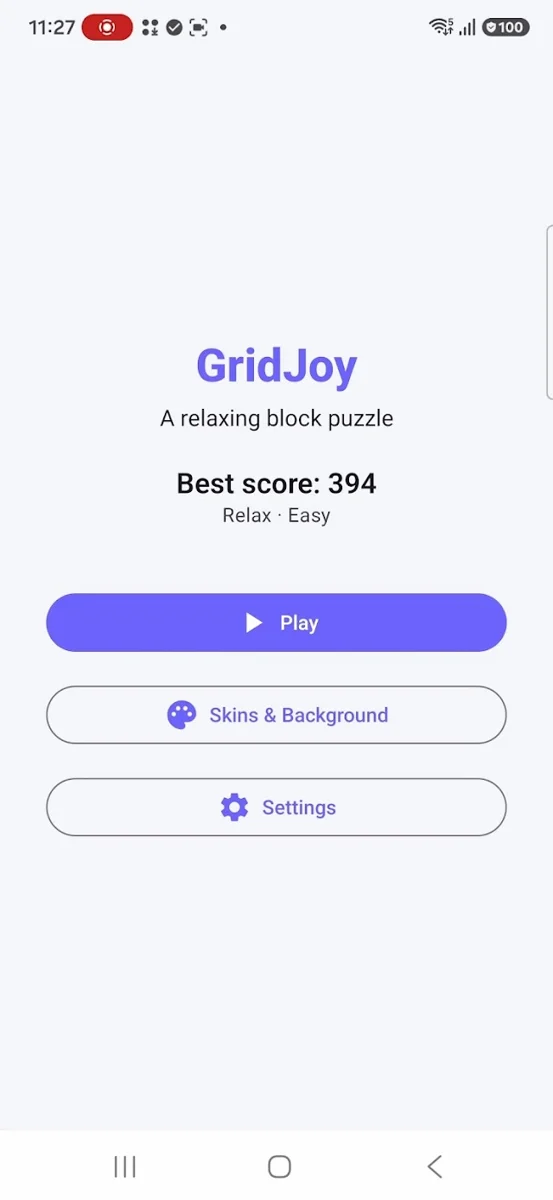
- Open GridJoy and choose Play. Use the interactive tutorial to learn the placement controls in your installed version.
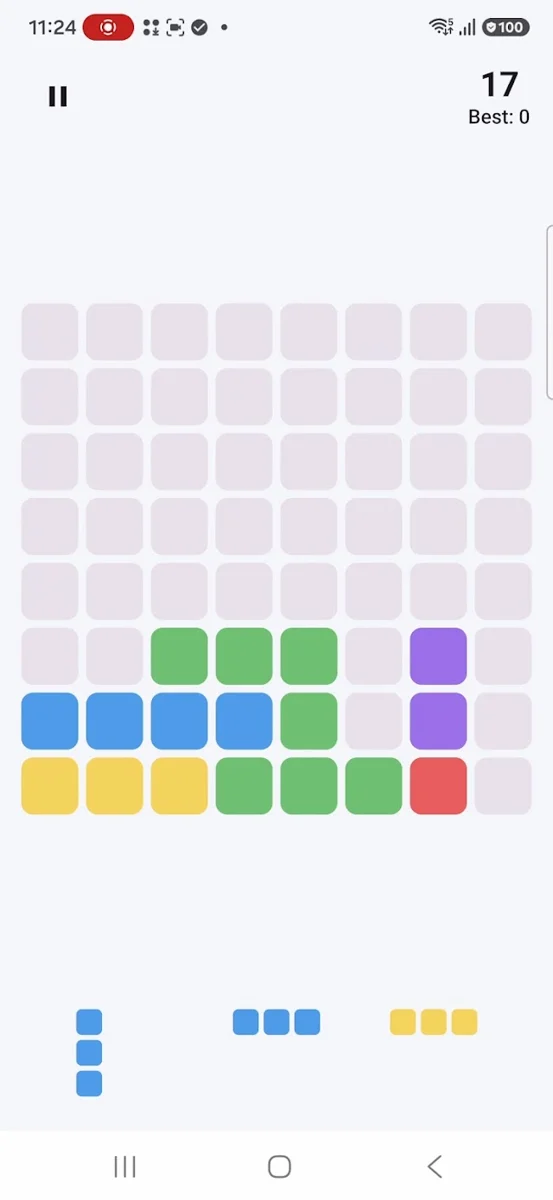
- Look at the available block shapes and the empty spaces on the grid before choosing a placement.
- Place blocks to complete lines. Work toward a clear while keeping space for the next shapes, rather than filling isolated holes indiscriminately.
- Watch how each clear changes the board. Take your time: plan another placement before committing to the most obvious one.
- Use Save & Continue when you want to return to a session. Progress is stored locally, so do not assume it transfers to another device.
Modes and difficulty
Multiple game modes and difficulty levels are part of the supplied game catalog and store description. Start with a lower difficulty to learn the board, then change one setting at a time so you can recognize what makes the challenge different. Mode-specific scoring and rule names are not documented here because the current rules have not been supplied.
A board that feels comfortable
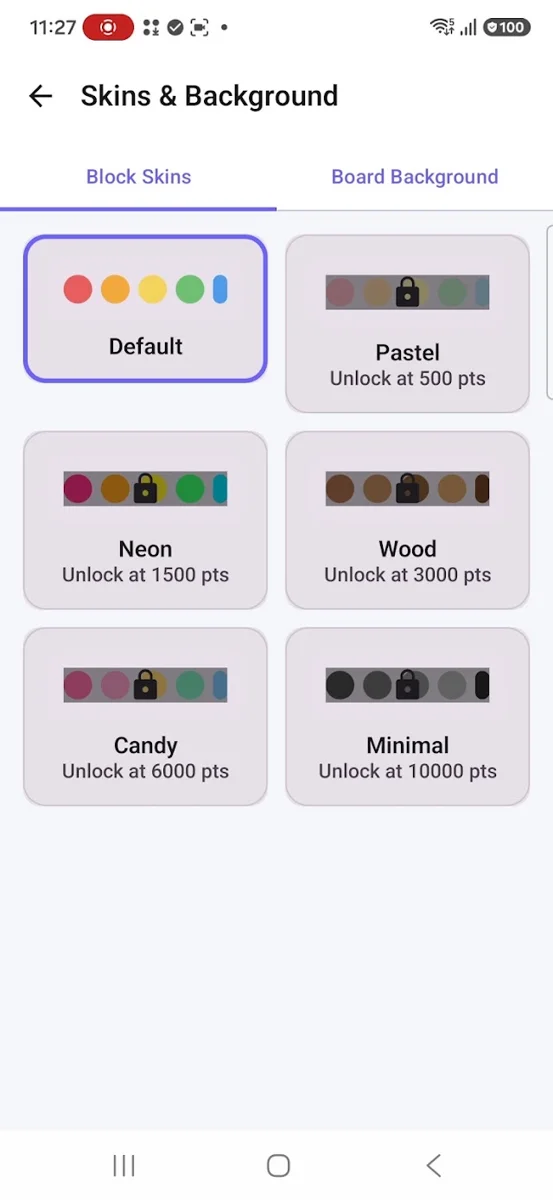
Custom block themes change the appearance of the pieces; custom board backgrounds change the playing surface. These are separate choices. When selecting a combination, check whether the outline of each piece remains easy to see against both empty and occupied cells. The Skins & Background screen in the store screenshot shows distinct tabs for these options.
Continue at your own pace
Save & Continue supports returning to play. The Google Play description says progress is local and no account is required. Treat a device change, app-data reset or reinstall as a potential loss of progress; a cloud-backup or transfer feature is not confirmed.
Tutorial and feedback settings
The store listing includes an interactive tutorial and adjustable sound and vibration. The tutorial is the best place to confirm exact controls. Sound and vibration settings let you adapt play to a quiet setting or reduce feedback you find distracting.
Inside the game
Screenshots from the official Google Play listing. The installed version may look different.
Compatibility and availability
Publicly available on Google Play for Android. The listing confirms offline play and support optimized for phones, tablets and foldables. Google Play determines whether your specific device can install the current release.
The studio catalog lists 80+ Languages. The public store description still names English & Vietnamese; check the language choices in your installed version. The discrepancy is not treated as proof that every store build offers the same languages.
Player questions
- Do I need an account or an internet connection to play?
- The Google Play description says no account is required and gameplay is fully offline. Downloading the app or an update still requires access to the store.
- Will my progress move to another phone?
- The listing says game progress is stored locally. A cross-device transfer or cloud-sync feature is not confirmed, so do not rely on a new device retaining your session.
- What should I try when the board becomes crowded?
- Look for a near-complete line and compare the spaces needed to finish it with the available blocks. Avoid leaving small disconnected holes just to fit a piece. This is a planning suggestion, not a guarantee that every board can be rescued.
- How do I report a placement or display problem?
- Email the studio with the game name, app version, device model and Android version. Describe the shape, board state and action that produced the problem; a screenshot is more useful than a score alone.
Updates and support
For current release notes, check What’s new on the official Google Play listing. For a problem with a specific build, include your app version in your report.
Contact LotusByte Studio